
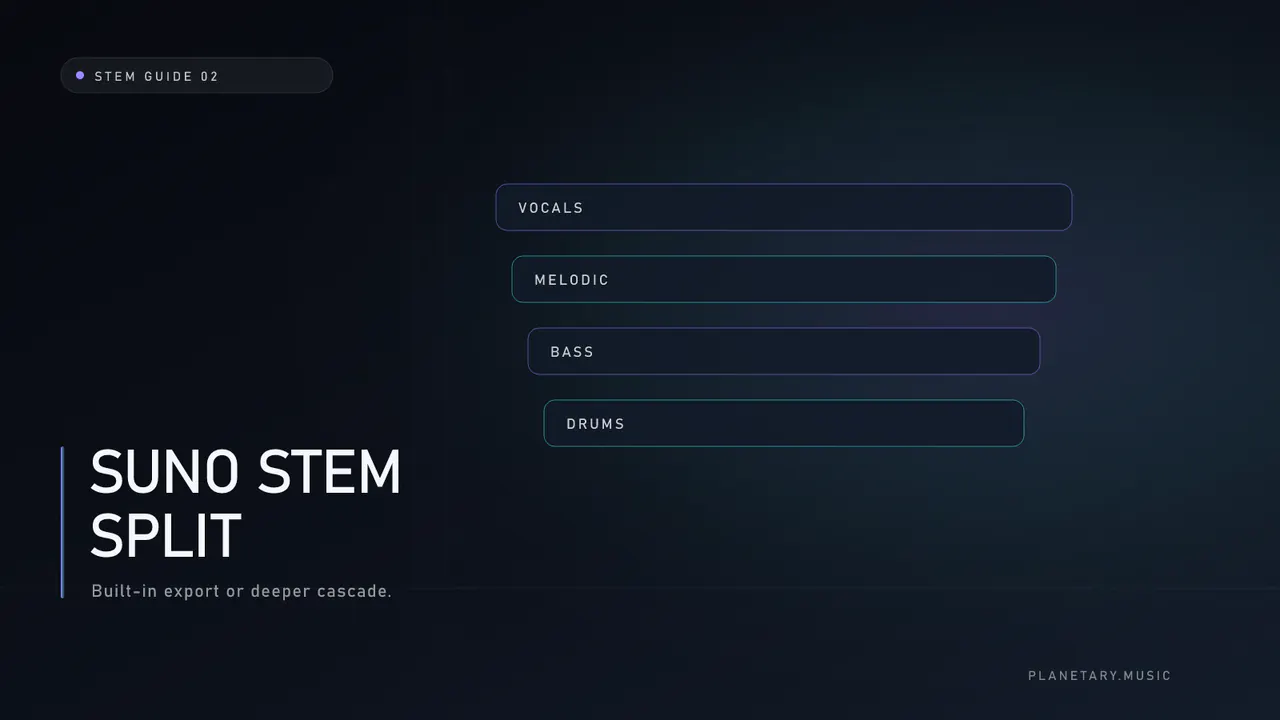
A Suno stem split turns a finished Suno mix into separate parts—from a vocals/instrumental pair to deeper instrument groups, depending on the current Suno plan and extraction mode—so you can edit without regenerating the whole song. Creators use the phrase for both Suno’s own export tools and external separators that accept a Suno mix as input.
This guide helps you choose the right path for the next edit, not the most expensive one.
Two meanings of “Suno stem split”
| Path | What it is | Strength |
|---|---|---|
| Platform export | Suno’s current stem delivery for a generation you own | Fast, integrated, plan-dependent |
| External separation | Upload the mix to an independent separator | Different estimate, controls, delivery, and commercial terms |
Neither path recreates a traditional studio session. Rights still follow Suno’s terms and your use case.
When the built-in export is enough
Stay on-platform when:
- You only need a vocal for practice or a simple lyric fix
- You want a quick instrumental for social content
- The export already sounds clean enough on earbuds and a phone
- You are not planning drum-level edits
If Suno's on-platform result is already usable, another separation pass can waste time and reveal more artifacts without improving the song.
When an external cascade is worth considering
Consider a purpose-built AI stem splitter when:
- You need an independent estimate because the on-platform result is phasey, incomplete, or leaves distracting bleed
- You need Planetary's exact named lossless-WAV delivery and manifest
- You want a complementary vocal estimate before deciding which result is more useful
- You plan paired cleanup on full vocals and instrumental before deeper stages
Process walkthrough: how to split AI music into stems.
A listening checklist after any Suno stem split
- Play the original mix once and write the top two problems.
- Solo the vocal: intelligibility, sibilance, residual music.
- Solo the instrumental: voice holes, low-end mono, high-end fizz.
- Fold both to mono for a few bars.
- A/B against the original at matched loudness.
- Only then open a DAW for edits.
If the problem is metallic tone rather than balance, splitting alone will not fix it. See Suno AI artifacts and fix metallic Suno vocals.
Cleanup timing around a Suno stem split
| Situation | Order |
|---|---|
| Harsh full mix, need deep stems | Reduce texture first, or use paired reduction before deeper components |
| Clean mix, one bad phrase | Split first, edit the vocal file |
| Ready for release, only loudness left | Skip split; master the stereo |
Honest reduction language matters: tools reduce recurring signatures; they do not guarantee silence where damage was baked in. Standalone cleanup: AI audio artifact reduction. Workflow: clean AI vocals before mastering.
Common mistakes
- Treating stems as perfect isolation. Bleed and reverb remain.
- Mastering the original stereo, then splitting the master for “cleanup.” You bake processing into the source.
- Max-depth every time. Full kit stems are only useful if you will edit them.
- Ignoring rights. Only process tracks you can legally edit.
Planetary note (optional tool)
Planetary’s browser stem splitter is a separate cascade from Suno’s built-in tools: dual-model vocals plus specialist music and drum stages, with Basic / Standard / Full depth and optional paired reduction. Credit prices and manifests are documented on the service page. Isolation remains source-dependent.
Frequently asked questions
Is a Suno stem split free?
Built-in tools follow Suno’s current plan rules—check the product itself. External tools use their own pricing (Planetary uses credits; see pricing).
Will splitting fix muddy drums?
It can expose drums for editing. It does not automatically rebalance them. You still need EQ, replacement, or a better generation.
How is this different from mastering?
Mastering finishes one program. A Suno stem split produces parts. See Suno AI Mastering and stem split before mastering.