
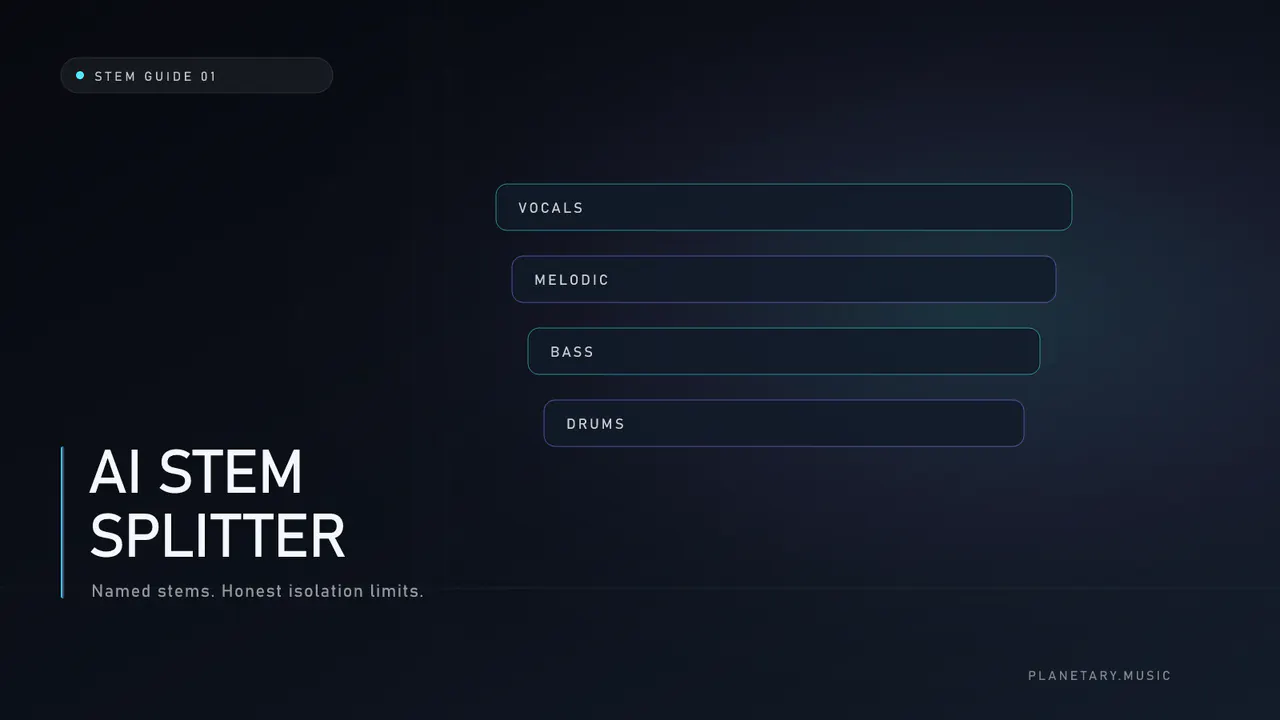
An AI stem splitter estimates individual sources—vocals, instrumental backing, bass, melodic content, drums—from a finished stereo mix and writes them as separate audio files. The estimate comes from machine-learning separation models, not from recovering a lost multitrack session. Useful stems are common. Perfect isolation is not.
This guide explains how modern splitters behave, how to choose depth, and how to listen so you do not mistake bleed for a “bad tool.”
What an AI stem splitter actually produces
Separation software estimates which parts of a mixture belong to each source class. Depending on the architecture, it may reason over waveforms, spectrograms, or both, then render tracks you can mute, process, or rearrange.
Typical named outputs:
| Depth | What you usually get | Good for |
|---|---|---|
| 2 stems | vocals + instrumental | lyric fixes, practice, simple karaoke |
| 5 stems | + bass, melodic, drums | remixes, balance tweaks |
| 10 stems | individual drum pieces + above | detailed kit edits |
The instrumental is a useful backing estimate. It is not a pure math subtraction of “everything except the vocal,” and it often overlaps with component stems on deeper tiers. Treat the files as creative sources, not studio multitracks.
How the models work (in plain terms)
Separation systems use different architectures. Planetary's current Basic, Standard, and Full service uses a staged pipeline rather than one generic network:
- Vocal-focused models estimate lead and stacked voice content.
- A second vocal estimate may supply complementary detail that the first pass missed.
- Fusion rules keep useful pieces without blindly replacing the primary result.
- Music specialists open bass, melodic material, and drums when you ask for more depth.
- Drum specialists further split kick, snare, toms, hats, and cymbals on full tiers.
Planetary uses two complementary vocal estimates because one estimate can trade residual music under the voice for leftover voice under the music. A second estimate plus conservative rescue can recover detail that a single pass discards. That still does not erase reverb tails shared across the stereo field.
Published research includes hybrid waveform/spectrogram Transformers; commercial systems may use different architectures and can change over time. Overlapping spectra still limit every estimate. Reverb, distorted guitars under a lead, and stacked harmonies still leak.
Prepare the source before you split
Garbage in remains garbage out—only soloed.
- Lock the creative take. Do not split a draft while lyrics and arrangement still change.
- Prefer lossless. WAV or FLAC from the generator beats an MP3 re-encoded as WAV.
- Note defects first. Metallic highs, mud, dropouts, and clipped peaks will appear louder once soloed.
- Confirm rights. Only process material you are allowed to edit and release.
If the full mix already sounds synthetic or harsh, read Suno AI artifacts before deep separation. Cleanup timing matters; see how to remove AI artifacts from vocals.
Choosing depth: a decision table
| You need… | Prefer |
|---|---|
| Vocal solo for practice or a lyric fix | 2 stems |
| Instrumental for content or karaoke | 2 stems |
| Balance changes between bass and drums | 5 stems |
| Replace or mute a snare hit | 10 stems |
| “Max everything” by default | Avoid—deeper tiers reveal more artifacts |
More stems are not always better. Each deeper stage can invent texture or leave watery residues. Escalate only when the next edit needs a named part.
How to QC stems without fooling yourself
Play each file start to finish at moderate level.
On vocals
- Consonants stay intelligible, not phasey soup
- No rhythmic “under-music” pumping in quiet phrases
- Sibilants are not glassier than the original mix
On instrumental
- Lead voice is mostly gone without holes in the arrangement
- Low end still centers in mono
- High hats and air do not collapse into metallic fizz
On drums (when present)
- Kick and snare attacks remain attacks, not smears
- Cymbals do not leave a metallic ghost on melodic stems
Compare against the original stereo at matched loudness. If the stems only sound “better” because one is quieter, level-match again.
When stem splitting helps—and when it hurts
Helps when
- One phrase needs a mute, ride, or replacement
- The vocal and music need different cleanup recipes
- You are building a remix or alternate arrangement
- Practice or performance versions need an instrumental
Hurts when
- You expect perfect studio multitracks from a dense AI mix
- You split a damaged export and master every stem without listening
- You stack unlimited re-splits hoping for zero bleed
For process detail, use how to split AI music into stems. For the two-stem job alone, see vocal and instrumental separation.
Finishing order after a split
A sensible release path:
- Split only as deep as the edit requires.
- Edit levels, mutes, or replacements.
- Bounce a new stereo mix if balance changed.
- Master the new stereo—not a random intermediate stem.
Order guide: stem split before mastering.
Where a purpose-built tool fits
If you need browser delivery of named WAV manifests with optional cleanup before deeper stages, Planetary’s AI stem splitter exposes Basic (2 stems), Standard (5), and Full (10) tiers with optional paired AI audio artifact reduction on the vocal/instrumental pair. Results still depend on the source; the service does not promise additive multitracks or perfect isolation. Current credit prices live on the tool page and pricing.
Frequently asked questions
Is an AI stem splitter the same as Ultra mastering?
No. A splitter returns separate files. Mastering finishes one stereo program (sometimes with an internal split that you never download). Different jobs, different outputs. Overview: Suno AI Mastering.
Can separation remove reverb from a vocal?
Usually not completely. Shared ambience often remains on both estimates.
Should I always clean before splitting?
Only when the full mix already shows synthetic edge or mud. Otherwise split, QC, then decide. Symptom map: fix metallic Suno vocals.
How is this different from a Suno platform export?
Platform exports follow that product’s current plan and models. An external AI stem splitter may use a different cascade and depth. Comparison notes: Suno stem split.
Further reading
- AI music stem separation — category map
- Suno audio artifacts guide — finishing symptoms on the services side
- AI song mastering guide — after the stereo is ready