
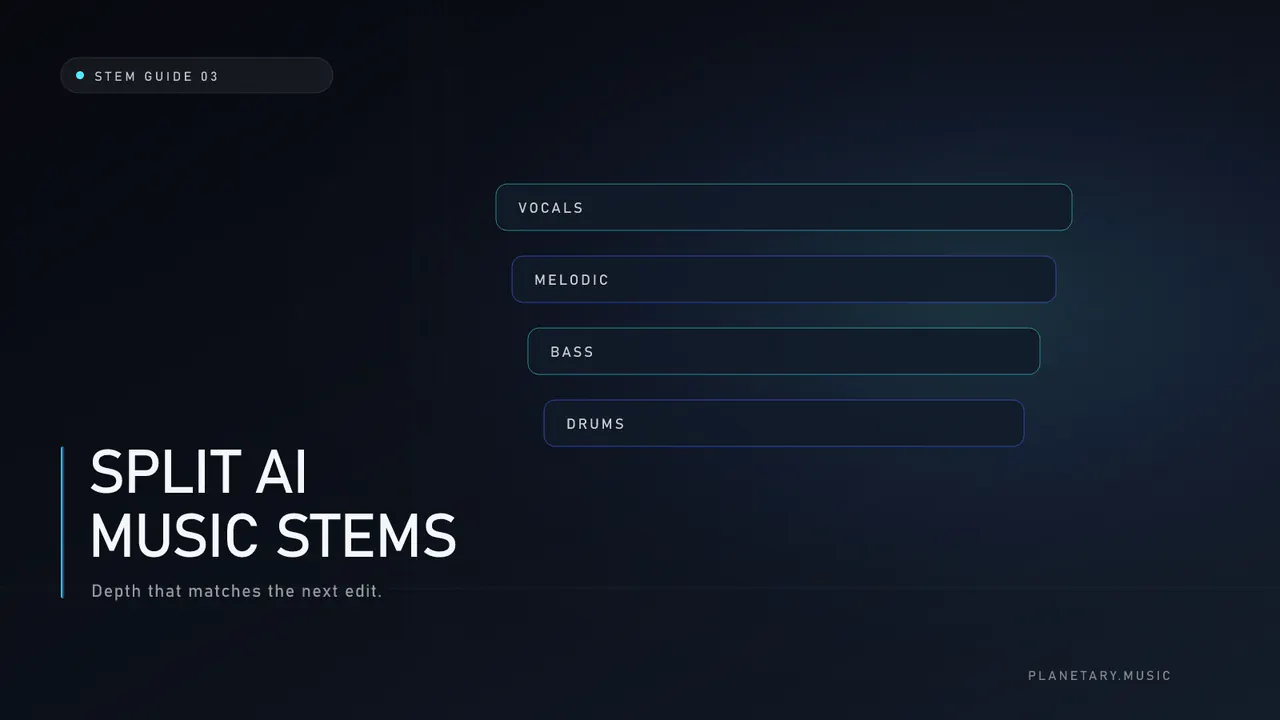
how to split AI music into stems is a controlled process: lock the mix, pick only the depth you need, optionally reduce texture, run a separator, QC every named file, edit, then master a new stereo bounce. The goal is useful control—not perfect multitracks recovered from a stereo AI export.
Last reviewed: July 22, 2026
Step 1 — Prepare the source
- Commit the final take (lyrics, structure, performance).
- Export the cleanest file available (WAV/FLAC preferred).
- Write two listening notes: the biggest musical problem and the biggest technical problem.
- Confirm you have rights to separate and release the material.
If technical problems dominate (metallic voice, mud, stereo swirl), open Suno AI artifacts before deep work.
Step 2 — Choose depth on purpose
| Depth | Outputs | Choose when |
|---|---|---|
| 2 | vocals, instrumental | lyric fix, practice, simple content |
| 5 | + bass, melodic, drums | remix or balance |
| 10 | individual drums + above | kit-level surgery |
Defaulting to maximum depth is a common failure mode. Deeper tiers make residual artifacts more obvious. Category context: AI music stem separation.
Step 3 — Decide cleanup timing
| Hearing… | Action |
|---|---|
| Harsh vocal on the full mix | Vocal reduction first, or paired cleanup with the split |
| Muddy instrumental only | Instrumental reduction or split then clean eligible stems |
| Clean texture, wrong balance | Split first; skip cleanup |
| Broken lyric/timing | Regenerate—do not polish a wrong take |
Reduction is not mastering. See AI audio artifact reduction and how to remove AI artifacts from vocals.
Step 4 — Run separation
- Upload one mixed track to your chosen tool (browser or offline).
- Select the depth you justified in Step 2.
- Enable pre-split cleanup only if Step 3 requires it.
- Wait for a complete named manifest; incomplete outputs should fail clearly.
- Download every WAV and keep the original mix beside them.
Tool overview: AI stem splitter. Platform angle: Suno stem split.
Step 5 — QC checklist (do not skip)
- Full length on each stem at moderate level
- First and last two seconds for clicks or truncated tails
- Mono fold-down on instrumentals and bass-heavy stems
- Matched-loudness A/B against the original stereo
- Phone speaker + earbuds + one familiar system
Reject the job if the stems destroy musical intent even if they look “cleaner” on a spectrum plot.
Step 6 — Edit only what the song needs
Useful edits:
- Mute a broken syllable
- Ride a quiet verse
- Replace one drum hit
- Duck an instrumental phrase under a new ad-lib
Avoid rebuilding the entire arrangement from leaky stems unless you accept the texture tradeoffs.
Step 7 — Bounce and master last
After edits, export a new stereo mix. Master that file. Do not master a half-edited intermediate and then re-split. Order: stem split before mastering. Mastering overview: AI song mastering.
Optional tools
If you want a browser cascade with named WAV delivery, Planetary offers an AI stem splitter (2 / 5 / 10 stems) and separate artifact reduction for vocal or instrumental sources. Prices are credit-based and documented on those pages—always re-check live numbers before spending.
Frequently asked questions
Can I perfectly reverse AI music into multitracks?
No. Separation is estimation under overlapping spectra.
Should I master before splitting?
Usually no when edits or cleanup are the point. Master when the stereo is already the final artistic version.
How many systems should I check?
At least earbuds, a phone speaker, and one full-range system you trust.