
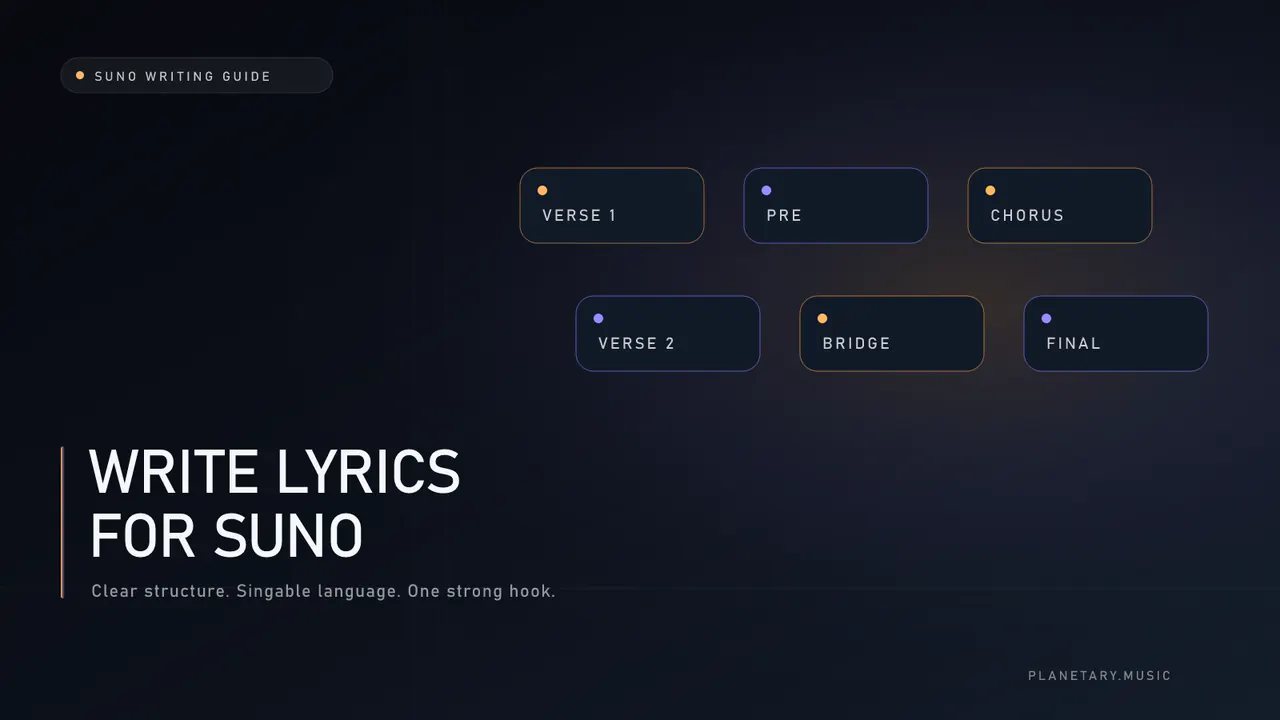
Learning how to write lyrics for Suno begins with a clean division of labor: separate the production description from the words, place simple section tags on their own lines, keep parallel sections close in meter, make the chorus short and repeatable, and test each generated performance before expanding the arrangement.
Suno can turn a short prompt or full lyric into a song, but clearer inputs make it easier to diagnose what worked.
Last reviewed: July 18, 2026
Understand the two fields
In a typical custom workflow, the Lyrics field contains words and section tags. The Style of Music field contains the sound: genre, mood, tempo feel, instruments, vocal character, and production direction.
Keep them separate.
Lyrics field:
- section labels
- sung words
- short, restrained delivery cues when needed
Style field:
- primary genre
- emotional tone
- tempo or energy
- core instrumentation
- vocal register and delivery
- production character
Putting a long production paragraph inside the lyric can create unwanted sung directions. Putting every lyric instruction in the style prompt can make the form less clear.
Use a simple section map
Start with the smallest structure the song needs:
- [Intro]
- [Verse 1]
- [Pre-Chorus]
- [Chorus]
- [Verse 2]
- [Pre-Chorus]
- [Chorus]
- [Bridge]
- [Final Chorus]
- [Outro]
Place each tag on its own line before the relevant words. Use consistent square brackets.
Tags are direction, not a guarantee. Generation remains probabilistic. If the result ignores the map, simplify the tags, shorten the lyric, or regenerate before adding more instructions.
Write the chorus first
The chorus is the part most likely to repeat, so it should carry the clearest emotional statement.
A strong Suno chorus usually benefits from:
- one short title phrase
- consistent line lengths
- open vowels on held notes
- a clear emotional turn
- repeated language rather than constant paraphrase
- room for the melody to breathe
Write ten hook lines. Choose two. Speak both at the intended tempo. Then build a four-line chorus around the better one.
Keep meter consistent
Meter is the pattern of syllables and stresses. Suno can adapt language to melody, but large line-length jumps often produce rushed or stretched delivery.
For matching verse lines:
- keep syllable counts in the same neighborhood
- place important words near expected stresses
- avoid filler words added only to reach a count
- read the line aloud at tempo
- use punctuation to reflect natural phrasing
Exact counts are not mandatory. Natural stress matters more than mathematical sameness.
Compare:
"I kept the light on in the hall"
with:
"I kept the small flickering hallway light switched on for you"
Both express the same event. The first gives the model more room to create a clear phrase.
Write for vowels and consonants
High or sustained notes are easier on open vowels. Dense consonant clusters are harder at fast tempos.
Listen for:
- repeated sibilants
- several hard consonants together
- names the model may pronounce unpredictably
- long words on short notes
- closed vowels at the melodic peak
- lines that require a breath in the wrong place
Do not remove every distinctive word. Use difficult language intentionally and test it in audio.
Give each section one job
Verse 1: establish
Show the speaker, place, and tension. Use physical details instead of explaining the emotion.
Pre-chorus: narrow
Increase pressure and point toward the hook. Keep it shorter than the verse.
Chorus: release
State the emotional center in memorable language.
Verse 2: change
Move time, reveal a consequence, or reinterpret an object from verse one.
Bridge: turn
Change perspective. Question the chorus, reveal withheld information, or make one new decision.
Outro: resolve or leave open
Repeat the hook with changed meaning or close on one precise image.
Build a focused style prompt
A useful order is:
- genre
- mood
- tempo or energy
- core instruments
- vocal type and delivery
- arrangement or production direction
- a short avoid instruction
Example:
cinematic indie pop, restrained and bittersweet, mid-tempo, warm piano, analog synth pulse, dry intimate alto vocal, narrow verse opening into a wide layered chorus, clear low end. Avoid harsh highs and a long intro.
This describes production without asking for a named artist imitation.
Use production cues sparingly
Simple common cues are easier to test than a wall of bracketed instructions.
Useful candidates include:
- [Instrumental]
- [Break]
- [Spoken Word]
- [Whisper]
- [Harmony]
- [Guitar Solo]
Treat nonstandard or highly detailed tags as experiments. Change one cue between generations so you can hear its effect.
A Suno lyric template
[Verse 1]
Four to six lines that establish one scene.
Keep parallel line lengths close.[Pre-Chorus]
Two short lines that increase tension.[Chorus]
Four lines. Put the title phrase in line one or four.
Repeat the central phrase.[Verse 2]
Advance the story instead of restating verse one.[Bridge]
Two to four lines with a new perspective.[Final Chorus]
Repeat the core hook. Change only what the story earned.[Outro]
One final image or reduced hook.
The exact section length depends on tempo, genre, and how much instrumental space you want.
Generate in controlled passes
Do not change the lyric, style, voice, tempo, and structure at once.
- Test the hook and chorus.
- Lock the strongest wording.
- Add verse one.
- Check pronunciation and pacing.
- Add verse two and bridge.
- Change one style descriptor per comparison.
- Save the generation that solves the largest problem.
This creates a record of cause and effect instead of a pile of unrelated versions.
Diagnose the generated performance
After each render, ask:
- Was every word pronounced correctly?
- Did the chorus arrive clearly?
- Are repeated sections recognizably related?
- Did any direction get sung as a lyric?
- Is a line rushed or stretched?
- Does the bridge create contrast?
- Is the outro intentional?
Rewrite the input category that failed. A pronunciation problem needs a word change. A weak hook needs writing. A muddy result may need a style or finishing change.
Edit for originality and human voice
Generated drafts often default to broad emotional language. Replace it with choices tied to your scene.
Remove:
- generic cosmic or elemental metaphors used without context
- repeated emotional explanations
- perfect rhymes that distort syntax
- phrases that sound familiar but say nothing specific
- language the speaker would never use
Add:
- objects with history
- actions that reveal emotion
- local sensory detail
- contradiction
- one phrase only this speaker would choose
Keep dated drafts and your rewrite decisions. The U.S. Copyright Office's current AI report explains that copyright protects human-authored expression, while prompting alone does not make machine-determined expressive elements protectable under current U.S. guidance. Other jurisdictions differ.
Finish the audio after the lyric works
Do not use mastering to hide a wrong word or broken phrase. Lock the lyric and performance first.
When the generation works, Planetary Suno AI Mastering can address broad tonal balance, dynamics, peaks, stereo translation, and common AI-export artifacts. Start with Standard. Use paid Ultra when voice and music need independent treatment.
Use the Planetary writing room
Planetary Suno Lyrics Generator includes:
- a free unlimited browser style-prompt builder
- optional AI prompt-and-lyrics generation
- section-tagged, copy-ready output
- one free first generation
- one free daily generation for signed-in accounts
- additional generations for credits
The free builder is useful even when you write every lyric yourself. It keeps the Style field focused while you work on words separately.
Open the Suno meta tags reference for more cues, or read the deeper Suno prompt and lyric guide.
Frequently asked questions
Do I need section tags in Suno lyrics?
Clear tags give the model a readable section map. Use simple labels on their own lines, but remember that generation is probabilistic and may not follow every direction exactly.
How long should a Suno chorus be?
There is no fixed length. Four concise lines are a strong starting point because they leave room for repetition and melody. Tempo and genre may support more or less.
Should I include BPM in the style prompt?
Include BPM when a specific pace matters, but pair it with a feel such as half-time, driving, or restrained. The generated result may still interpret tempo flexibly.
Why does Suno sing my directions?
Long prose or unfamiliar cues in the Lyrics field may be interpreted as lyrics. Keep standard tags on separate lines and move production description to the Style field.
Can I use an AI lyrics generator first?
Yes. Use it for options and structure, then rewrite, sing, and verify the language. Read the AI lyrics generator guide.